



TL;DR:
- Fall alert systems are vital for timely help but have limitations like false alarms and incomplete detection in real-world use. Their effectiveness depends on proper device usage, user compliance, and complementing technology with social support. Families should understand these boundaries to make informed safety decisions for their loved ones.
Fall alert notifications can feel like a lifeline for families who worry every time a loved one is home alone. But many people don’t realize that these systems have real limitations. A missed alert can delay help for hours, while too many false alarms can cause families to stop responding urgently. For seniors living independently, and especially those with early dementia or a high fall risk, understanding exactly how these notifications work is not just helpful. It is essential.
Table of Contents
- What are fall alert notifications?
- How fall detection systems send and manage alerts
- Comparing the types of fall detection: Wearable, non-wearable, hybrid
- Limitations and what families must know
- Supporting safety: Technology plus social support
- A frank perspective: What most guides don’t tell you about fall alert notifications
- Find the right fall alert solution for your needs
- Frequently asked questions
Key Takeaways
| Point | Details |
|---|---|
| No system is foolproof | Fall alert notifications miss some real falls and may produce false alarms, so never depend solely on technology. |
| Type matters | Wearable, non-wearable, and hybrid fall detection systems each offer unique benefits and drawbacks to consider carefully. |
| Dementia needs extra care | Seniors with dementia require waterproof, consistently worn devices because they may not recognize injuries or call for help. |
| Combine tech with support | Blending alert technology with social contacts and regular check-ins increases safety far beyond relying on devices alone. |
| Real conversations build safety | Honest discussions about system limits and emergency plans are essential between seniors, families, and caregivers. |
What are fall alert notifications?
Fall alert notifications are automated messages or calls triggered when a device detects that a person may have fallen. They are designed to connect seniors in trouble with family members, caregivers, or emergency services as quickly as possible. Without a notification system, a senior who has fallen and cannot get up may lie on the floor for hours before anyone knows something is wrong. That is a serious, preventable risk.
Understanding how fall detection and alarms work is the first step families should take before choosing any safety system. Most fall alert devices use accelerometers and gyroscopes, small motion sensors built into wearable devices like alarm watches or pendants. When the device senses a sudden drop or impact followed by stillness, it interprets this as a possible fall and sends an alert.
The numbers make the case for taking this seriously. According to CDC fall data, 1 in 4 seniors aged 65 and older fall every year, and there were 41,400 fall deaths recorded in 2023, with a rate of 69.9 per 100,000. Falls account for 77 to 84% of senior injuries and fatalities. These are not rare events. They are the leading cause of injury death in this age group.
Here is who typically gets notified when an alert fires:
- Designated family contacts via app or text message
- Caregivers or neighbors who are set as emergency contacts
- Monitoring centers (in subscription-based systems)
- Emergency services in some advanced or hybrid systems
For seniors living alone, this chain of notification can make the difference between a short wait for help and a dangerous long lie on the floor.
“A fall alert system is not just a device. It is a communication bridge between a senior in trouble and the people who care about them most.”
How fall detection systems send and manage alerts
With the basics covered, here is how the detection-to-notification process actually works for most fall alert systems.
Understanding how senior alarms work helps families set realistic expectations. The process from detection to action follows a clear sequence in most devices:
- Motion detected: The sensor registers a sudden acceleration change consistent with a fall.
- Algorithm analysis: The device’s software decides if the motion pattern matches a fall profile.
- Confirmation window: Many devices give the user 15 to 30 seconds to cancel the alert if it was a false alarm.
- Alert sent: If the user does not cancel, a notification goes to family contacts or a monitoring center.
- Two-way communication: Some devices open a live audio channel so the senior can speak directly with a responder.
- Action taken: Family members or emergency services respond based on the alert and the senior’s GPS location.
One important thing families should understand is that no system detects 100% of falls. Real-world fall detection sensitivity ranges from about 57% to 83% on actual falls, which is notably lower than results from lab testing. False positives, meaning alerts triggered when no fall happened, can occur anywhere from 3 to 85 times per day depending on the algorithm used. Common triggers include bending down quickly, sitting down hard, or bumping the device.
| Factor | Lab performance | Real-world performance |
|---|---|---|
| Fall detection sensitivity | Up to 98% | 57% to 83% |
| False alarm frequency | Very low | 3 to 85 per day |
| Confirmation accuracy | High | Moderate |
| User compliance | Controlled | Variable |
Pro Tip: Choose a device that allows a cancellation window before the alert is sent. This gives seniors a chance to stop a false alarm without it escalating, which reduces alert fatigue in the family.
Comparing the types of fall detection: Wearable, non-wearable, hybrid
To make sense of which alert system works best, here is an in-depth look at the main types and how they compare in real life.
There are three primary categories of fall detection systems, and each has distinct strengths and weaknesses. Exploring an alarm device comparison for seniors can help families narrow down options based on lifestyle and needs.
Wearable systems include smartwatches, pendants, and wristbands that the senior wears at all times. They are portable, follow the user everywhere, and typically include GPS and two-way calling. For an overview of how these devices function day to day, reading about smartwatch options for the elderly provides helpful context.
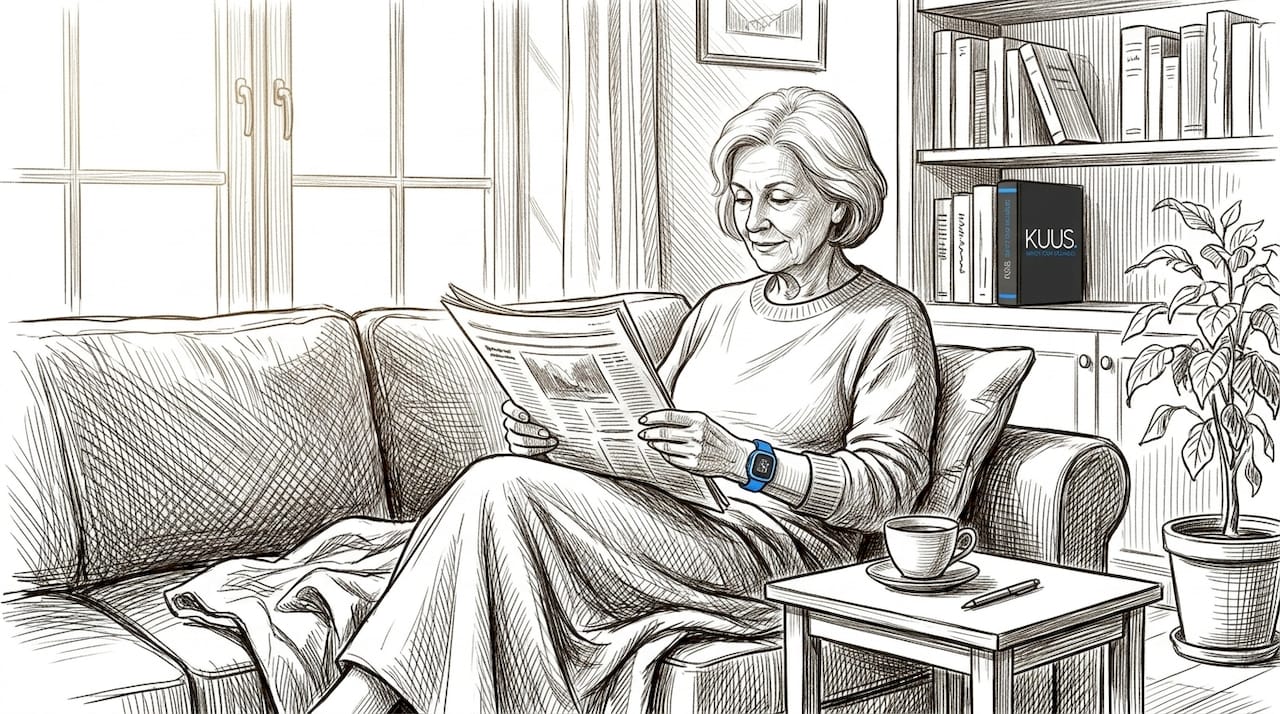
Non-wearable systems use motion sensors or cameras placed around the home. They do not require the senior to wear anything, which is a major benefit for those who forget or refuse to wear devices. However, they only work within the home and cannot detect falls outdoors.
Hybrid systems combine wearable and in-home sensors, offering broader coverage and often improved accuracy through data fusion.
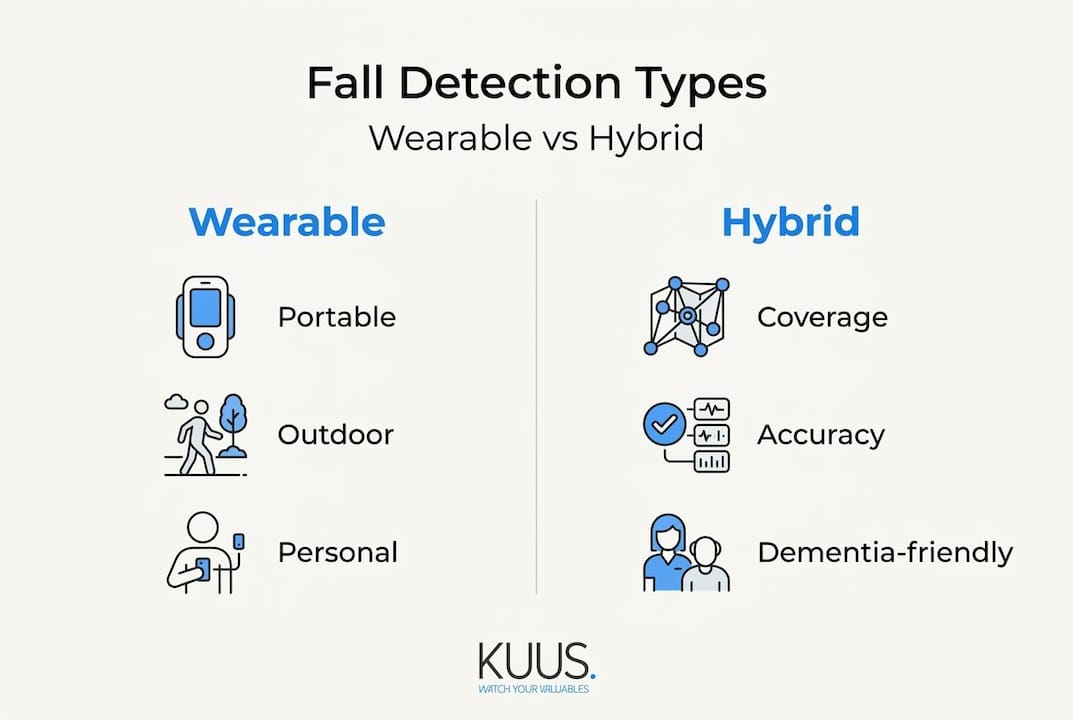
| System type | Accuracy | Portability | Works outdoors | Dementia-friendly |
|---|---|---|---|---|
| Wearable (watch/pendant) | Moderate | High | Yes | Moderate |
| Non-wearable (home sensors) | Moderate to high | None | No | High |
| Hybrid | Highest | Moderate | Partial | High |
Studies show that wearable sensors underperform compared to non-wearable or hybrid systems in research settings. Deep learning methods reach over 98% accuracy in lab conditions, though threshold and machine learning approaches score lower. Real-world edge cases matter too. Wearables are often not worn during bathing, which is exactly when many falls occur, and low-impact falls common in early dementia may not trigger the sensor reliably.
Key considerations when comparing systems:
- Lifestyle fit: Does the senior go outdoors regularly? Wearables are essential for that use case.
- Compliance history: If a loved one regularly forgets or removes the device, a hybrid system may provide better coverage.
- Internet and phone connectivity: Some systems require a Wi-Fi connection at home; others use a SIM card for mobile coverage.
- No-subscription options: Monthly monitoring fees add up fast. Devices that work via a SIM card without ongoing subscription costs offer significant long-term savings.
Pro Tip: Test any new device for at least two weeks in the senior’s daily routine before depending on it fully. Real-world performance often differs from what the packaging promises.
Limitations and what families must know
With system types in mind, here is what every family should understand about the real-world limits of fall alert notifications.
Research is clear that lab benchmarks overstate real-world performance. False positives erode caregiver trust over time. When family members receive too many false alarms, they start responding more slowly or not at all. This is called alert fatigue, and it is a genuine safety risk. Meanwhile, sensitivity gaps mean low-severity falls, which are actually more common in frail or cognitively impaired seniors, are frequently missed altogether.
For seniors with dementia, the stakes are even higher. Detection is critical for this group because they may not recognize that they are injured or be able to call for help themselves. Waterproofing is not optional in this context. Bathroom falls are among the most common, and a device that cannot be worn in the shower is a significant gap. Fall detection systems do reduce the risk of long-lie incidents, but only when the device is consistently worn and the notification is consistently acted upon.
Consider these critical real-world limitations:
- Devices left on the charger: The most advanced fall detector is useless if it sits on the nightstand. Remind family members to check whether the senior is actually wearing the device daily.
- Soft surface falls: A fall onto carpet or a mattress may not generate enough impact force to trigger the sensor, making it an invisible event.
- Battery failure: If a device is not charged, no alert will be sent. Build a daily charging routine into the senior’s schedule.
- Network dead zones: GPS and cellular alerts depend on phone coverage. In rural areas or basements, coverage gaps can delay or block alerts entirely.
- Cognitive refusal: Some seniors with dementia actively remove wearables, seeing them as uncomfortable or unfamiliar. Comfort and simplicity in design matter greatly.
“A device that is not worn provides zero protection. Consistency of use is just as important as the technology itself.”
Families should also pay attention to the alarm watch interface and ease of use, since complex interfaces are one of the most common reasons seniors stop using safety devices. Large icons, simple navigation, and minimal setup requirements all increase the chance the device stays in use.
Supporting safety: Technology plus social support
No system substitutes for human connection, so here is how to use tech as one part of a robust safety net.
Technology can alert someone quickly. But it cannot replace the reassurance a weekly phone call provides, or the observation a neighbor makes when no car has moved in two days. Empirical data shows that fall detection tech alone does not reduce hospitalizations or emergency calls. In some cases, subjective quality of life actually declines when seniors feel monitored but not supported, underscoring how important it is to pair devices with genuine human engagement.
Building an effective safety network means combining technology with intentional social routines:
- Daily or weekly check-in calls from family members or friends give seniors a reason to communicate and give families a chance to catch early warning signs
- Neighbor networks provide an extra layer of informal observation, especially in the evenings or overnight
- Community programs like senior center activities reduce isolation, which directly lowers fall risk
- Regular medical check-ups help address contributing factors to falls, such as medication side effects, vision problems, or balance issues
- Clear emergency plans that every family member knows, including who to call first, where to find the device app, and what the senior’s medical history includes
Exploring the full benefit of fall alarm watches in a broader care plan is useful for understanding where the technology adds most value. The answer is consistent: it adds value as a safety tool that complements relationships and routines, not as a replacement for them.
“Technology gives peace of mind. But peace of mind grows deeper when it comes from both a reliable device and a caring community around the senior.”
A frank perspective: What most guides don’t tell you about fall alert notifications
Most guides focus on features. Sensitivity rates. Battery life. IP ratings. These details matter. But they rarely mention the quiet problem that sits underneath all of it: over-relying on fall alert notifications can create a false sense of security that actually makes seniors less safe.
Here is what we see happen in practice. A family buys a quality device, sets up the app, tests it once, and then mentally checks the “safety” box. They call less. They visit less. They trust the algorithm to catch any problem. The senior, aware that they are being monitored remotely, may push themselves to do things they would normally ask for help with, because they feel the device has them covered.
The device, of course, cannot lift a heavy grocery bag. It cannot assess whether a dizziness episode is medication-related. It cannot have the conversation where a senior admits they have been struggling.
Understanding the top alarm watch features that genuinely protect seniors is important. But the feature that matters most does not appear in any spec sheet: the willingness to have an honest conversation about what a device can and cannot do.
The families who get the best outcomes are not the ones with the most expensive technology. They are the ones who use technology as a structured reason to stay engaged. Every alert, even a false one, becomes a touchpoint. Every weekly device check becomes a welfare call. The device is a tool for connection, not a substitute for it.
Find the right fall alert solution for your needs
Choosing the right safety device for an older loved one does not have to feel overwhelming. Understanding how fall alert notifications work, what their real limits are, and how to support them with social connection gives families the clarity they need to act with confidence.
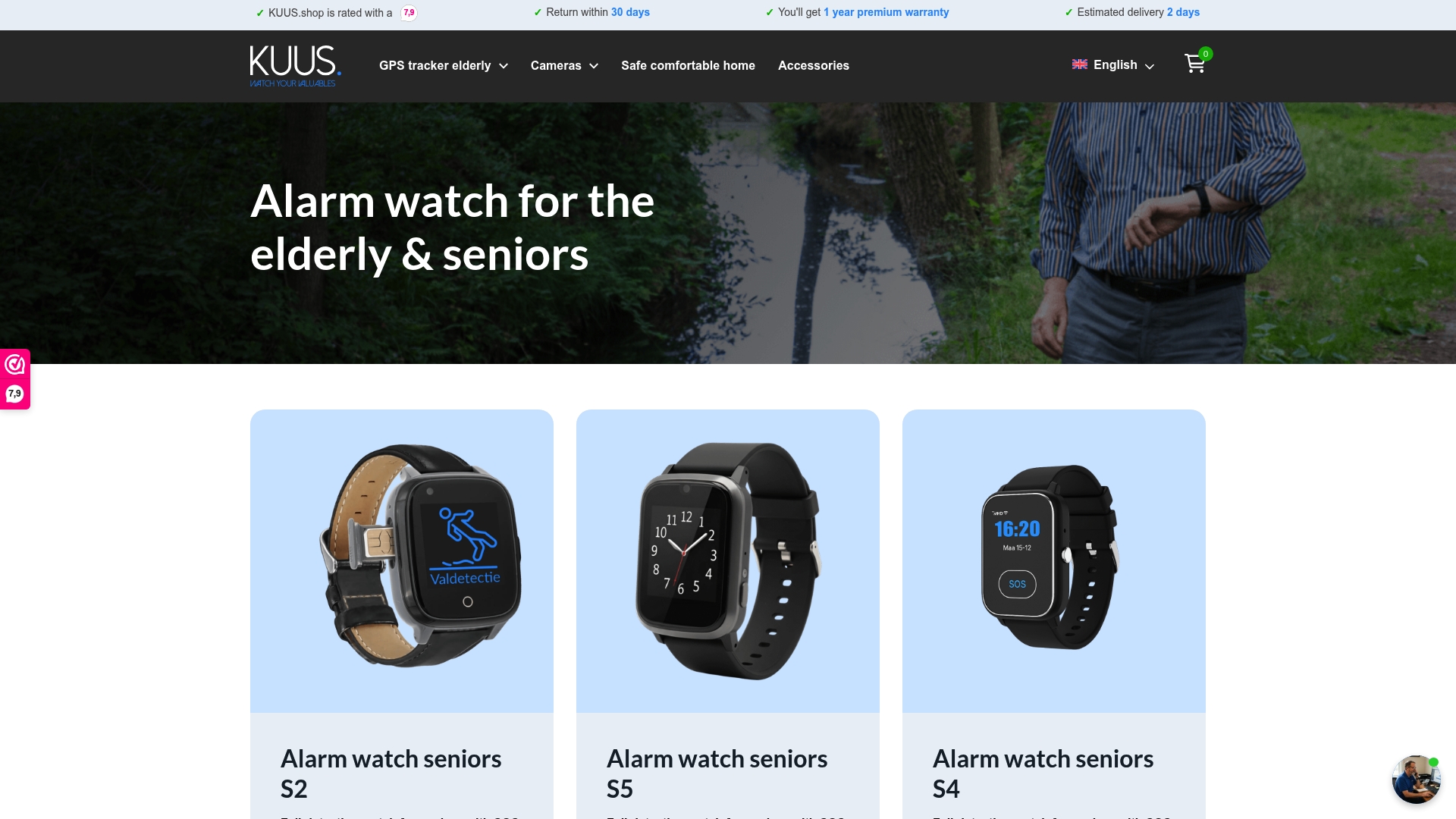
If you are ready to compare practical options, our guides on best alarm button solutions for seniors offer clear, honest breakdowns of what works in real-life home situations. For families setting up fall detection at home for the first time, the step-by-step guide on setting up fall detection at home walks you through everything you need to get started reliably and affordably. Our devices work with a SIM card, require no monthly subscription, and are built with seniors’ daily comfort in mind.
Frequently asked questions
How accurate are fall alert notifications?
Most systems detect 57 to 83% of real-world falls, well below the rates reported in laboratory testing. False alarms can occur several times per day depending on the system’s algorithm and the user’s activity level.
Are fall alert notifications useful for seniors with dementia?
Yes, they are especially valuable because detection is critical for this group when a senior cannot recognize their own injury or call for help. Waterproof designs and easy-to-wear form factors are particularly important for this population.
What causes false alarms in fall detection systems?
Activities like bending quickly, sitting down hard, or accidentally bumping the device can trigger alerts. False positives vary widely, ranging from a few per day to dozens, depending on the detection algorithm’s sensitivity settings.
Do fall alert systems reduce hospitalizations?
Research shows that fall tech alone does not lower emergency or hospital admission rates. Combining technology with consistent social support and medical care produces better safety outcomes than devices used in isolation.
How can families improve the effectiveness of fall alert notifications?
Make sure the device is worn correctly every day and that all family contacts are set up in the app. Backing up technology with regular human check-ins and a clear emergency plan significantly strengthens the overall safety net.