




TL;DR:
- Effective senior tracking devices prioritize GPS accuracy, ease of use, long battery life, and waterproofing.
- Simpler devices like alarm buttons and basic SOS watches often have higher adoption and consistent use.
- Matching technology to individual needs and routine, with minimal complexity, improves safety and long-term compliance.
Choosing the right location tracking tool for an aging parent or loved one is one of the most emotionally loaded decisions a caregiver faces. You want them safe. You also want them to feel trusted and free. The market is full of devices promising everything from real-time GPS tracking to automatic fall detection, but too many of them fail in everyday life because they are too complicated, too bulky, or simply ignored by the person wearing them. This guide cuts through the noise. It outlines what actually matters in a tracking solution and which tools hold up in real-world caregiving situations.
Table of Contents
- What to look for in location tracking tools for seniors
- Best location tracking devices for caregivers: Top picks and features
- Comparing the top location tracking solutions: Which tool is right for you?
- How to match devices to real-life situations
- The real challenge: Beyond features—fitting technology into daily caregiving
- Take the next step: Find the right GPS solution for your loved one
- Frequently asked questions
Key Takeaways
| Point | Details |
|---|---|
| Prioritize ease of use | The most effective tracking devices are simple enough for daily use by both caregivers and seniors. |
| Match tech to lifestyle | Choose tools based on the user’s routines, environment, and specific needs for optimal adoption. |
| Balance safety and autonomy | Respect seniors’ privacy and preferences when implementing location technology. |
| Compare features carefully | Look beyond specs to real-world reliability and caregiver workflow compatibility. |
| Involve the senior in decisions | Engaging your loved one in the selection process increases the likelihood of successful adoption. |
What to look for in location tracking tools for seniors
With the need established, let’s map out what makes a tool truly effective for real-world caregiving.
Not every GPS device is built with seniors in mind. A tool might have impressive technical specs but still be useless if the person wearing it refuses to charge it, struggles with tiny buttons, or loses the signal the moment they step outside the city. Before you browse products, build a decision framework around the features that genuinely matter.
Key features to evaluate:
- GPS accuracy and reliability: Real-time location updates matter in an emergency. Look for devices that update frequently and provide street-level accuracy.
- Battery life: A device with a 12-hour battery is a liability for seniors who may forget to charge it. Aim for at least 48 to 72 hours of battery life.
- Ease of use: Large buttons, simple interfaces, and clear alerts are non-negotiable. If the senior cannot use it independently, its value drops significantly.
- SOS emergency button: A dedicated, easy-to-press SOS button that immediately alerts family members or caregivers is one of the most important features available.
- Two-way communication: Some devices allow the senior to speak directly with a caregiver through the device itself. This removes the need for a separate phone in emergencies.
- Fall detection: Automatic alerts triggered by a fall can be life-saving, especially for seniors who live alone and may not be able to press a button after an incident.
- Waterproofing: Seniors wear these devices all day, including while washing hands or during rain. 💧 Water resistance is essential for consistent use.
- Connectivity and subscription costs: Some devices require monthly data plans that add up quickly. Options that work without ongoing subscription fees offer lasting value.
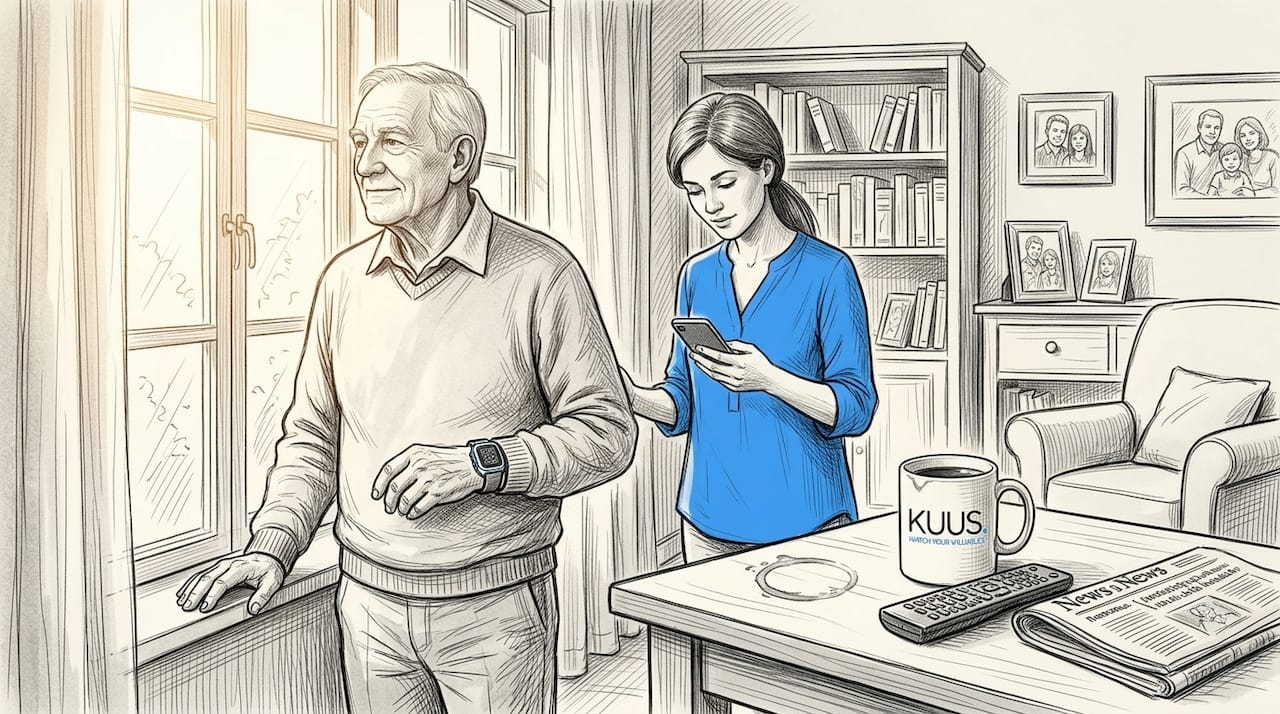
Independence & safety for elderly individuals depends on devices that fit naturally into their daily routine, not devices that demand attention or technical ability they may not have.
BMC Medical Ethics reports that ethical and human-factors considerations include balancing safety with autonomy and privacy, addressing usability concerns, and accommodating differences in connectivity between rural and urban environments. This is not just a design preference. It is an ethical responsibility.
“Tracking technology should support dignity, not compromise it. The best devices are the ones seniors choose to wear because they feel helpful, not because they were told they had to.”
Pro Tip: Before purchasing any device, involve the senior in the process. Let them hold it, test the buttons, and ask how it feels to wear. Devices chosen together are worn more consistently and create far less resistance over time.
Environmental context also shapes the decision. Urban seniors benefit from dense network coverage and precise GPS. Rural seniors may face dead zones, slower updates, or limited cellular connectivity. A device that works perfectly in a city apartment may fail when someone wanders into a field or a forested area. Always check network compatibility for your specific region before committing to a purchase.
Best location tracking devices for caregivers: Top picks and features
Now that you know the selection criteria, let’s examine your best options and what each brings to the table.
MedicalEconomics reports a study of 41 caregiver-patient pairs that found high daily wearing adoption and caregiver-reported benefit, suggesting that multi-component GPS, geo-fence, and two-way communication systems can be genuinely usable in practice. The key word is “usable.” Features only matter if the device is worn consistently.
Here are the top device categories worth considering, along with their practical strengths and limitations.
1. GPS smartwatches for seniors
These are wristwatch-style devices with built-in GPS, SOS buttons, and often two-way calling. They look like regular watches, which reduces stigma. They are among the most widely adopted devices for seniors who are still active and independent.
- Real-time GPS location
- SOS button with automatic family alerts
- Two-way voice calling through the watch
- Fall detection in higher-end models
- 💧 Water-resistant designs suitable for daily wear
- Some models available without monthly subscription fees
2. SOS alarm watches with GPS
Simpler than smartwatches, these focus almost entirely on emergency functionality. They are ideal for seniors who only need basic safety coverage and would be overwhelmed by more complex features.
- Large, clearly labeled SOS button
- GPS location shared automatically with contacts when SOS is pressed
- Lightweight and comfortable for all-day wear
- Longer battery life due to fewer background features
3. Personal alarm buttons with GPS
Worn around the neck or clipped to clothing, these are perhaps the simplest option. They do not require any technical knowledge to operate and are especially suited for seniors with cognitive decline.
- One-button design reduces confusion
- GPS location transmitted instantly upon activation
- No screen to manage or navigate
- Most affordable category overall
4. GPS trackers with geo-fencing apps
These are physical trackers paired with a smartphone app that lets caregivers set a safe zone. If the senior crosses the boundary, an alert is sent immediately. They are particularly valuable for seniors with dementia monitoring needs.
- Geo-fence alerts for wandering risk
- Real-time map view for caregivers
- Some include two-way audio
- Require a data plan or SIM card
5. Multipurpose safety apps with location sharing
These are smartphone apps designed for seniors who are already comfortable using a phone. They offer location sharing, check-in features, and SOS calling, but depend entirely on the senior carrying their phone.
Pro Tip: When comparing devices, prioritize products that offer a companion caregiver app. The best solutions let family members check in, receive alerts, and view location history from a simple, well-designed app on their own phone. Explore family safety tracking solutions to see how caregiver apps make a real difference in daily monitoring.
Comparing the top location tracking solutions: Which tool is right for you?
With an overview of leading devices, a side-by-side comparison can clarify which matches your needs best.
MedicalEconomics reports a study noting that even if a device has many capabilities, caregivers may not use every feature daily. Usability and fit with the caregiver’s workflow can matter as much as raw technical specs. Keep that in mind as you read the table below.
| Device type | GPS | SOS button | Two-way call | Fall detection | Water resistance | Subscription needed |
|---|---|---|---|---|---|---|
| GPS smartwatch | Yes | Yes | Yes | Often | Yes 💧 | Sometimes |
| SOS alarm watch | Yes | Yes | Sometimes | Sometimes | Yes 💧 | Rarely |
| Personal alarm button | Yes | Yes | No | No | Yes 💧 | No |
| GPS geo-fence tracker | Yes | Sometimes | Sometimes | No | Sometimes | Usually |
| Safety smartphone app | Yes | Yes | Yes | No | Depends on phone | No |
“The device that fits seamlessly into a caregiver’s existing routine is the one that will actually be used every day. Perfect features mean nothing if the workflow breaks down.”
Best fit by scenario:
- Wandering risk or dementia: GPS smartwatch or geo-fence tracker with real-time alerts and caregiver app. Review GPS alerts for caregivers for specific alert configuration tips.
- Rural or low-connectivity areas: SOS alarm watch with strong cellular compatibility and offline location storage.
- Mobility limitations or arthritis: Personal alarm button with large, easy-to-press SOS function worn on a lanyard.
- Budget constraints: Personal alarm button or no-subscription SOS watch offers protection without ongoing monthly costs.
- Seniors who resist wearables: A GPS smartwatch that resembles a regular watch reduces stigma and improves consistent wear.
If you are unsure whether a GPS tracker or an SOS watch is the better fit, a detailed GPS tracker vs SOS watch comparison can help you decide based on your specific situation.
How to match devices to real-life situations
With features compared, the final and most important step is finding a match for your unique caregiving situation.
Every senior is different. A 78-year-old who walks to the market twice a week has different needs than an 84-year-old with early-stage dementia who occasionally wanders at night. Generic recommendations only go so far. Here is a step-by-step process to guide your decision.
- Identify the primary risk. Is the concern a sudden fall, wandering behavior, a medical emergency while out alone, or general location awareness? Your answer shapes every other choice.
- Assess technical ability. Can your loved one operate a touchscreen, or do they need a single-button device? Be honest. Overestimating technical comfort leads to devices left in drawers.
- Evaluate the environment. Does your loved one spend time in rural areas with patchy cell coverage? Check the device’s cellular network compatibility for that region. BMC Medical Ethics reports that connectivity and living environment differences are among the most significant factors in whether a device actually works as intended.
- Consider daily routine. A senior who showers every morning needs a fully waterproof device. Someone who removes their watch every night needs an extra-long battery or a charging reminder system.
- Check caregiver workflow. Will you check an app every morning, or do you need push alerts throughout the day? Choose a device whose caregiver interface matches how you actually live and work. Understanding GPS accuracy for peace of mind is also helpful in setting realistic expectations about what real-time tracking looks like in practice.
- Plan for change. Wandering risk often increases over time. A device that works for mild cognitive decline today may need to be upgraded as needs evolve. Build in a review every six months.
- Address privacy early. Have an honest conversation with your loved one about what tracking means, what data is shared, and who can see their location. Consent matters not just ethically but for daily cooperation.
For caregivers working in professional settings, tracking in professional care environments adds another layer of complexity around institutional protocols and individual client rights that are worth researching separately.
The real challenge: Beyond features—fitting technology into daily caregiving
As practical as these comparisons are, sometimes the biggest lessons come from what isn’t advertised in feature lists.
Most caregiver guides spend all their energy on comparing specs. Battery life, GPS update frequency, geo-fence radius. These things matter. But they are not why most tracking tools fail. Devices fail because they don’t fit the human reality of caregiving.
MedicalEconomics reports that caregivers in real-world studies did not use every available feature daily. What they used consistently were the basics: location check-ins and emergency alerts. The rest was often unused. That finding should fundamentally reshape how you shop for a device.
Here is an uncomfortable truth that most product pages won’t tell you: the most feature-rich device is often the worst choice for many seniors and caregivers. Why? Because complexity creates friction. Friction leads to inconsistent use. And inconsistent use means the device is missing exactly when it’s needed most.
The caregivers who report the highest satisfaction with tracking tools are not the ones with the most sophisticated setups. They are the ones who found a simple device that their loved one wears every single day without argument. That is the real benchmark.
Tracking for safety and independence works best when it feels invisible to the person being tracked. A watch that feels like jewelry. A button worn as naturally as a key. That comfort is not a luxury. It is the deciding factor in whether a device actually saves a life.
Trust also plays a role. Seniors who feel surveilled rather than supported often resist these devices. Open conversations about why a device is helpful, with genuine respect for the senior’s input, build the kind of relationship where technology becomes an aid rather than a source of conflict.
Pro Tip: Start with the most basic device that addresses the highest-priority risk. Introduce one feature at a time. Give the senior a month to adjust before adding geo-fencing or two-way calling. Gradual adoption leads to long-term use.
Take the next step: Find the right GPS solution for your loved one
You have a clear picture now of what works, what doesn’t, and how to match a device to real life. The next step is finding a product you can trust.
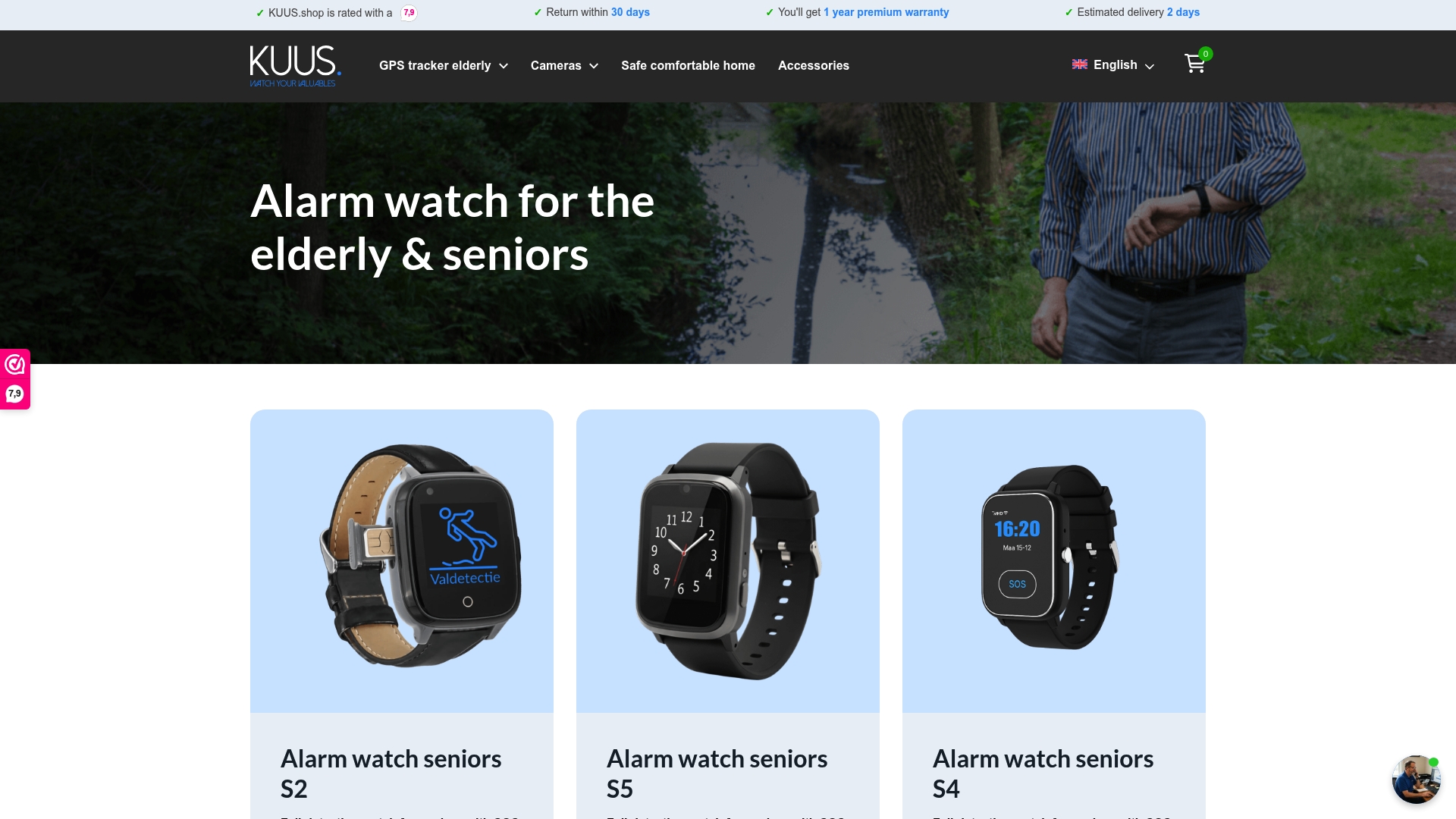
Browse our full range of best GPS watches for seniors, all designed without monthly subscription costs and built for comfortable daily wear. If you want to understand the broader value of GPS for older adults before making a decision, our knowledge base covers the full picture. When you are ready to compare and purchase, visit our shop GPS solutions page to explore devices built specifically for elderly safety, independence, and caregiver peace of mind. Every product comes with clear setup guidance so you and your loved one can feel confident from day one.
Frequently asked questions
Are GPS location tracking devices safe for seniors with dementia?
Yes, when chosen and used appropriately, GPS devices can significantly improve safety for seniors with dementia. BMC Medical Ethics reports that balancing autonomy, privacy, and usability is essential to ethical and effective use.
How often do seniors actually use these trackers?
Most seniors with the right device wear it daily, though individual feature use varies. MedicalEconomics reports high daily adoption rates in caregiver-patient studies, with location and SOS functions being the most consistently used.
What should I do if my loved one resists wearing or carrying a tracker?
Involve them in choosing the device, prioritize comfort and simplicity, and introduce it gradually. Starting with a basic SOS function before adding GPS alerts tends to reduce resistance significantly.
Can location tracking work in rural or low-connectivity areas?
Performance varies by device and region. BMC Medical Ethics reports that adaptable designs for rural versus urban settings, including local place-storage during GPS gaps, are important factors to look for before purchasing.
Is a subscription needed for these location tracking tools?
Not always. Some devices require a monthly data plan for full real-time tracking, while others, including several GPS watches designed for seniors, operate without ongoing subscription fees using a standard SIM card.