



TL;DR:
- Choosing a fall detection device requires ensuring it has automatic detection, a manual help button, and reliable contact escalation. Regular testing, proper water resistance, and matching the device type to the user’s lifestyle are essential for dependable safety. Recognizing device limitations and pairing technology with human support creates a layered, effective fall prevention system.
Choosing the right fall detection device for an aging parent or loved one is one of the most important safety decisions a family can make. The market is packed with devices making bold promises, but not all of them deliver reliable protection when it matters most. Sorting through confusing specs, vague claims, and endless options can feel overwhelming, especially when the stakes are so high. This checklist cuts through the noise by laying out exactly what to look for, what to question, and how to avoid the pitfalls that leave too many families with a false sense of security.
Table of Contents
- Key criteria for evaluating fall detection devices
- Checklist: Must-have features and operational readiness
- False alarms, missed falls, and how to manage device limitations
- Situational coverage: Water resistance, device type, and lifestyle fit
- Regulatory and claims checklist: Understanding what you’re buying
- A practical take: Why the perfect fall detection device doesn’t exist (and what to do instead)
- Find the right fall detection solution for your family
- Frequently asked questions
Key Takeaways
| Point | Details |
|---|---|
| Automatic plus manual alerts | Choose devices with both fall detection and a manual help button for the best coverage. |
| Routine checks are vital | Set a schedule to test the device and charge it to ensure ongoing reliability. |
| Expect some false alarms | All systems can misfire, so educate family and responders about what to expect. |
| Waterproofing matters | Look for shower-safe devices to cover the highest-risk home locations. |
| Verify device claims | Review whether you’re buying a wellness gadget or a regulated medical device and check for real certifications. |
Key criteria for evaluating fall detection devices
Now that you understand the importance, let’s break down what truly matters when choosing a fall detection device.
The very first thing to confirm is whether the device offers automatic fall detection. This feature uses sensors to recognize a fall as it happens and send an alert without the user needing to press anything. That matters because many real falls leave the person unable to press a button. But automatic detection alone is not enough. A reliable system also needs a manual help button as a backup, because no algorithm catches every fall perfectly.
Understanding how fall detection works at a technical level helps you ask smarter questions before you buy. When evaluating any system, Consumer Reports recommends confirming three things before purchase: the system has automatic fall detection for your loved one’s likely scenarios, a functioning manual help button as a fallback if detection fails, and a clear escalation path, whether to a monitoring center or designated family contacts, when an alert triggers.
Here are the key criteria to evaluate before committing to any device:
- Automatic fall detection: Sensors should recognize impact and body position changes in real time.
- Manual SOS button: Large, easy to press, even during panic or confusion.
- Contact escalation: The device must notify specific people or a response center, not just log a data point.
- Device type: Watches, pendants, and belt clips each suit different lifestyles and mobility levels.
- Comfort and daily wearability: A device that gets left on the nightstand provides zero protection.
- Water resistance: Showers are among the most dangerous places for seniors to fall. 💧
- Battery life: Short battery life creates coverage gaps at critical moments.
- GPS location sharing: Lets family members pinpoint exactly where their loved one is when help is needed.
Pro Tip: Don’t overlook non-wear scenarios. Even the best device does nothing if it stays in a drawer. Plan explicitly for shower coverage by choosing a waterproof model and making shower use part of the daily routine.
Checklist: Must-have features and operational readiness
Once you know what features they’re supposed to have, here’s how to ensure the device is always ready and reliable.
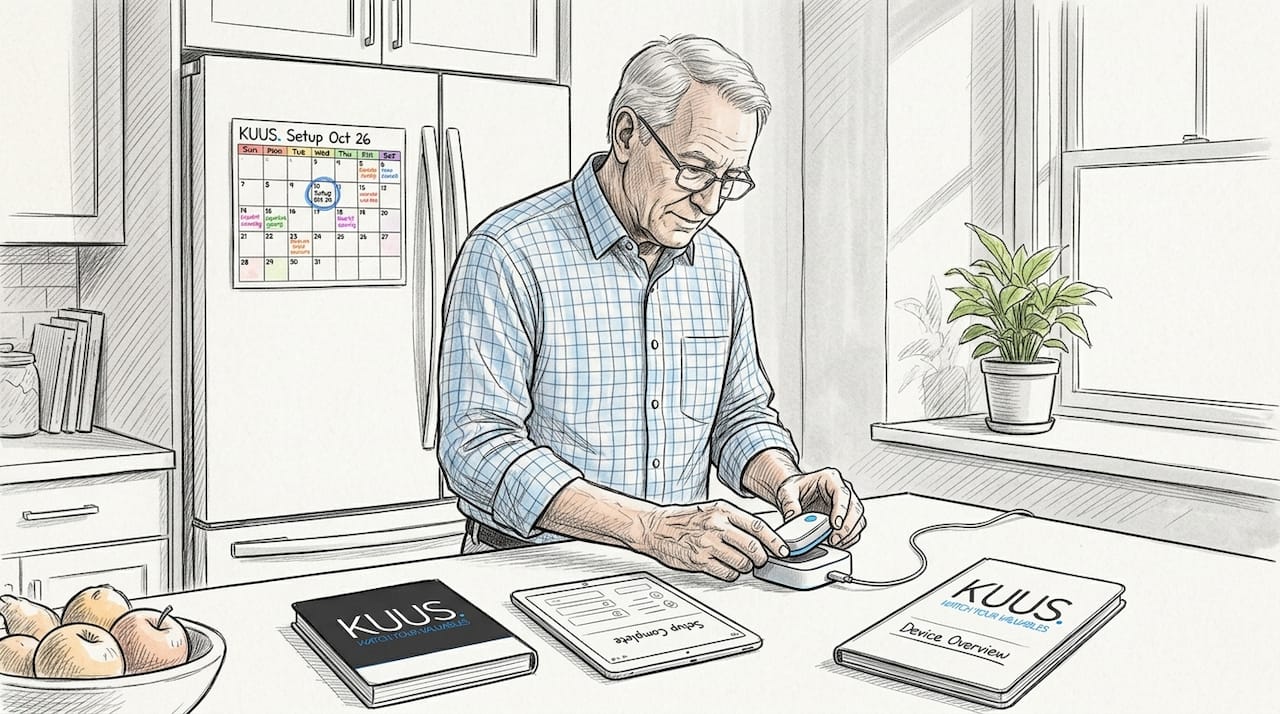
Buying the right device is only half the job. The other half is making sure it stays charged, connected, and tested so it actually works on the day it’s needed. Many families purchase a device, set it up once, and assume it will just work indefinitely. That assumption is dangerous.
According to a review of battery and charging readiness, many systems rely on routine charging, and GPS and mobile devices may only provide coverage while connected and charged. A dead battery at 2 a.m. means no protection at all.
“Many systems only work when charged, and experts warn users to check settings and permissions regularly to ensure the device stays ready for real emergencies.”
Use this operational readiness checklist to keep the system dependable over time:
- Charge the device daily or according to the manufacturer’s schedule, building it into the morning or bedtime routine.
- Confirm connectivity weekly by checking that the SIM card or app connection is active and not interrupted.
- Verify contact settings monthly to ensure emergency numbers are up to date and accessible by the right people.
- Run a monthly test by pressing the SOS button in a controlled setting to confirm it triggers alerts correctly.
- Check for software updates every month, since outdated firmware can affect detection accuracy and connectivity.
- Inspect the device physically for damage, cracks, or water seal integrity, especially for waterproof models used in the shower.
- Review the alert log if your device tracks events, looking for any false alarms or missed detection moments that signal a settings adjustment is needed.
Understanding how senior alarms work in day-to-day practice helps you set up routines that feel natural rather than burdensome for the senior wearing the device.
Pro Tip: Set a recurring monthly calendar reminder labeled “Safety device check” on your phone. Make it a short, five-minute routine that covers charging, connectivity, and a quick test press. Consistency is what keeps the device trustworthy.
False alarms, missed falls, and how to manage device limitations
With essential features and readiness covered, it’s important to know what these devices can’t always guarantee and how families can adjust.
No fall detection device is perfect. Understanding the two main types of errors, false positives and false negatives, helps you set realistic expectations and prepare your household accordingly.
A false positive is when the device triggers an alarm for something that is not a fall, like sitting down quickly, picking up something heavy, or even the device slipping off a counter. A false negative is when a real fall happens but the device does not detect it, which is potentially the more serious concern.
Research on accelerometer-based fall detection shows that published evaluations find relatively low sensitivity on real-world falls compared to higher specificity, and reports false alarms over monitoring windows that can range from 3 to 85 false alerts per day depending on the device and algorithm used. That range is enormous and speaks to how much device quality varies across the market.
Here is a simplified look at how sensitivity and specificity play out across device categories:
| Device type | Sensitivity (catching real falls) | Specificity (avoiding false alarms) | Notes |
|---|---|---|---|
| Accelerometer only | Moderate | Low to moderate | High false alarm rate in active users |
| Accelerometer plus gyroscope | Moderate to high | Moderate | Better body position tracking |
| AI-enhanced algorithms | High | High | Fewer false alarms, higher cost |
| Manual button only | N/A | N/A | No automatic detection, user must respond |
Strategies to manage false alarms and missed detections:
- Educate all emergency contacts about the possibility of false alarms so they respond calmly rather than in panic.
- Adjust detection sensitivity settings if the device allows it, balancing between catching falls and avoiding constant false alerts.
- Keep a log of false alarms so you can identify patterns, like a specific activity that triggers them repeatedly.
- Never disable the alarm entirely in frustration. Instead, contact the manufacturer for calibration advice.
- Consider fall alarm accuracy as a factor when comparing products, not just the feature list.
Alert fatigue is real. If family members receive too many false alarms, they may start to ignore notifications. Addressing this proactively is just as important as choosing the right device in the first place.
Situational coverage: Water resistance, device type, and lifestyle fit
Having seen the technical boundaries, the next decision is which device type actually fits your loved one’s lifestyle and risks.
Bathroom falls are among the most common and most serious accidents for older adults. A device left on the bathroom counter provides no protection during a shower. This is why water resistance is not a nice-to-have feature. For many seniors, it is essential.
Consumer guidance on shower safety consistently emphasizes selecting waterproof devices for bathing-risk scenarios. Look for an IP67 or IP68 water resistance rating, which means the device can be submerged briefly without damage. An IPX4 rating only means splash resistance and is generally not sufficient for shower use.
Beyond water resistance, the right device type comparison comes down to daily habits and personal preference.
| Device type | Best for | Key advantage | Key limitation |
|---|---|---|---|
| Smartwatch / GPS watch | Active seniors, outdoor use | GPS tracking, two-way calling | Needs daily charging |
| Pendant / neck alarm | Home-based seniors | Simple to wear, easy button access | Less discreet, may resist wearing |
| Belt clip / wrist band | Seniors with dexterity issues | Secure attachment, hard to forget | Limited display options |
| Smartphone app only | Tech-comfortable seniors with family nearby | Low cost, no extra device | Requires phone to always be on person |
Matching device type to lifestyle:
- Homebodies who rarely leave the house benefit most from a pendant or wristband with a clear SOS button and reliable indoor connectivity.
- Active seniors who walk, garden, or travel need a GPS watch with two-way calling so family can communicate and locate them in real time.
- Seniors with memory challenges do best with simple devices that have minimal buttons and automatic features, reducing the cognitive load.
- Seniors who shower independently must have a waterproof device they wear into the bathroom, not one they leave on the nightstand.
The goal is to find a device the senior will actually wear every single day, because consistent use is what creates real safety.
Regulatory and claims checklist: Understanding what you’re buying
Finally, ensure your choice is honest about what it can and can’t guarantee by checking regulatory standing.
Marketing for fall detection devices can be compelling. Words like “life-saving,” “clinically proven,” and “medically certified” appear frequently, but they don’t always mean what families assume. There is an important legal and practical difference between a medical device and a general wellness device, and that difference affects how much you can trust the product’s claims.
The FDA’s general wellness policy explains that some fall-related devices may fall into either “general wellness” or “medical device” categories depending on their intended use and claims. Medical devices are held to strict performance and accuracy standards. Wellness devices are not. A product marketed as a fall detection device could legally be classified as a wellness product, meaning its accuracy claims are largely unverified.
Questions to ask before purchasing any fall detection device:
- Is this product classified as a medical device or a wellness device? Where is that documented?
- Does the manufacturer publish independent testing or peer-reviewed performance data?
- What specific standards does the device meet? Look for mentions of FDA clearance or CE marking.
- Are the fall detection claims based on lab testing or real-world clinical use? These produce very different results.
- What is the return or warranty policy if the device does not perform as advertised?
- Does the company provide clear documentation about what the device does and does not detect?
- Are there any hidden subscription fees or monitoring costs not mentioned upfront?
Using the alarm system checklist as a starting point helps families structure these questions before they speak to a manufacturer or retailer. Knowledge is protection here. The more specific your questions, the harder it is for vague marketing to mislead you.
A practical take: Why the perfect fall detection device doesn’t exist (and what to do instead)
After working through all the criteria above, here is something that rarely gets said plainly enough: there is no flawless fall detection device. Every system has gaps. Every algorithm makes errors. Every battery eventually runs out. Expecting any single product to provide complete, uninterrupted protection sets families up for disappointment and, worse, a false sense of security that leads to reduced vigilance.
The smarter approach is layered safety. Technology is one layer. But it works best when combined with human routines, like daily check-in calls, a neighbor who knows to look out for your loved one, and a local emergency contact who can respond in under ten minutes. Alarm configuration advice can help you set up the device to work alongside these human systems, not instead of them.
The families who get the most value from fall detection devices are not the ones who buy the device with the longest feature list. They are the ones who choose something their loved one will actually wear, set it up correctly, test it regularly, and pair it with real-world support.
Pro Tip: Pick the device your loved one will wear every day without complaint over the one with the most impressive spec sheet. Consistent use beats impressive specs every time.
Find the right fall detection solution for your family
Ready to put your checklist into action? Here’s how to find and configure the right device.
If this checklist has made one thing clear, it’s that the right fall detection device needs to match the real person wearing it, not just a marketing description. Our range of wearable safety devices for seniors is designed with exactly that in mind: simple interfaces, waterproof builds, GPS location sharing, SOS alarm buttons, and no monthly subscription costs.
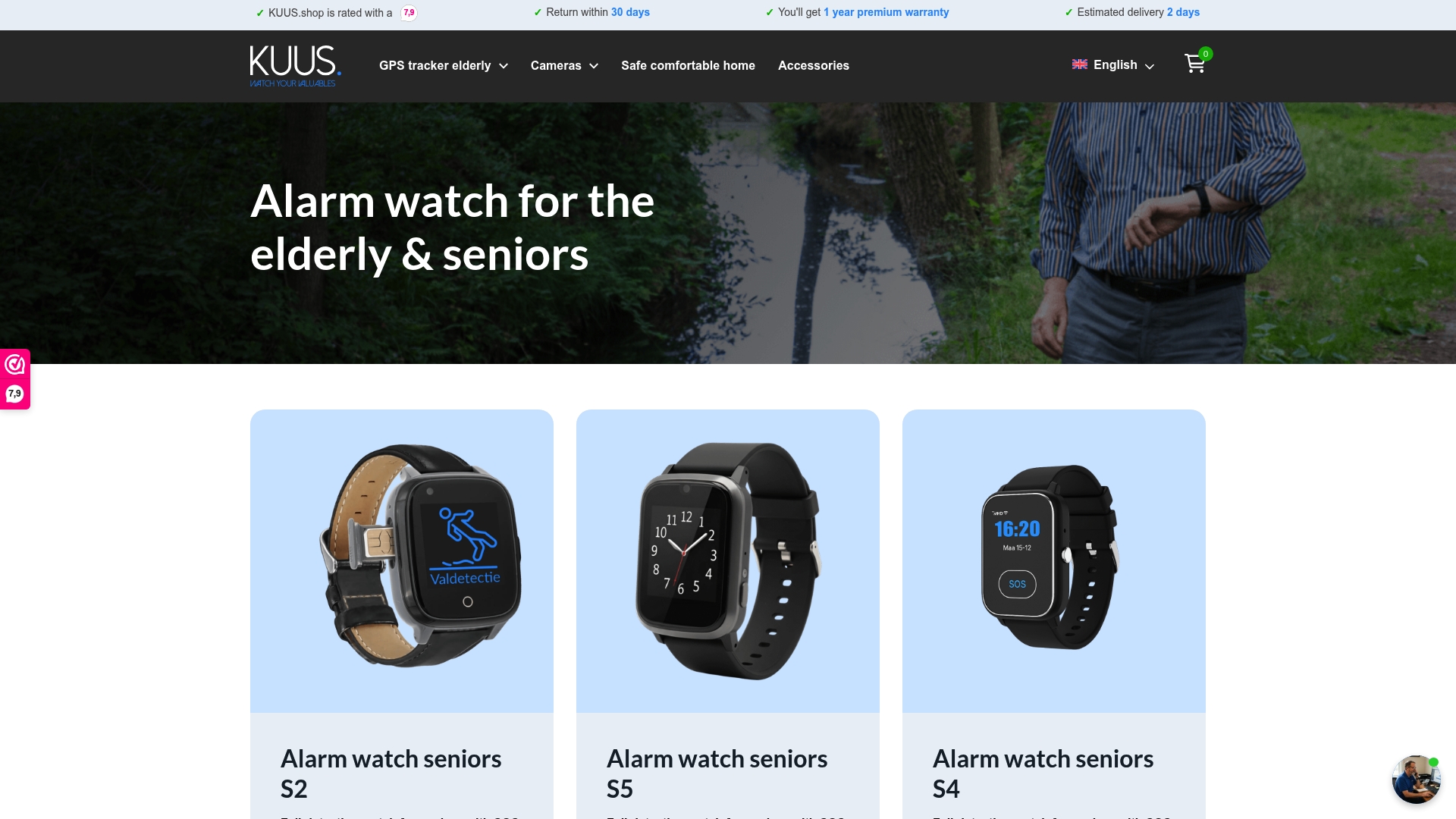
Whether you’re looking for a GPS watch for an active senior or a straightforward alarm button for someone living alone at home, you can explore options and find guidance on customizing fall detection to match your loved one’s daily routine. Our guides walk you through setup step by step, so you can feel confident the system is ready before it’s ever needed.
Frequently asked questions
What is the main cause of false alarms in fall detection devices?
False alarms often occur due to everyday movements that mimic falls, such as sitting down quickly or dropping the device. Research shows false alarms during monitoring ranged from 3 to 85 per day depending on the device and algorithm used.
How often should I test a fall detection device for reliability?
A monthly readiness test is recommended to ensure the device stays reliable and all settings are current. This monthly test step is part of a standard fall detection buying and maintenance checklist.
Can fall detection devices be used in the shower?
Only water-resistant or waterproof devices should be worn in the shower; always verify the manufacturer’s IP rating before use. Water resistance for showers is specifically recommended for high-risk bathing scenarios.
What’s the difference between a medical device and a wellness device?
Medical devices are regulated for accuracy and specific performance claims, while wellness devices are not held to those same standards. The FDA’s guidance on device categories notes that some fall-related products may fall into either category depending on their intended use, so always check the documentation.