




TL;DR:
- GPS technology, when used ethically, supports seniors’ independence by enabling quick emergency response and peace of mind for families. Risks like hacking, signal loss, and device removal can be minimized with proper device selection and setup; ongoing communication and trust are essential. Combining technology with honest conversations, routines, and involvement ensures seniors retain dignity and safety.
Many families assume that GPS tracking for elderly relatives means constant surveillance and a loss of freedom. That assumption is understandable, but it misses the bigger picture. When used thoughtfully, GPS security technology actually supports independence rather than restricting it. Seniors can move more freely knowing help is close if needed, and families gain peace of mind without hovering. This article covers the fundamentals of GPS security for seniors, the real risks involved, privacy concerns, and practical steps you can take today to protect your loved one while honoring their dignity.
Table of Contents
- How GPS security keeps seniors safe
- Risks and vulnerabilities of GPS tracking for the elderly
- Balancing safety, privacy, and independence
- Practical tips for secure GPS use with seniors
- A fresh perspective: What most guides miss about GPS security for the elderly
- Explore senior GPS solutions for real peace of mind
- Frequently asked questions
Key Takeaways
| Point | Details |
|---|---|
| GPS empowers and protects | When used with consent, GPS security can increase independence for seniors while delivering peace of mind for families. |
| Know the risks | Understanding vulnerabilities like hacking and device removal helps families take real security precautions. |
| Prioritize privacy | Transparent communication and user control are key to respecting seniors’ autonomy and dignity. |
| Combine tech and routine | True security blends GPS tools with non-digital habits and regular check-ins, not overreliance on gadgets. |
How GPS security keeps seniors safe
GPS stands for Global Positioning System. In plain terms, it uses satellite signals to pinpoint a person’s location on a map. For seniors living independently, this technology is built into wearable devices like watches or small clip-on units that are easy to carry throughout the day.
Here is how it works in practice. The device receives a location signal and sends that data to a secure app on a family member’s phone. If something goes wrong, such as a fall or a sudden health event, the senior can press a clearly marked SOS button to trigger an immediate alert. Some devices go further with automatic fall detection, which sends an alarm even if the user cannot press the button themselves.
The senior GPS safety benefits for both elderly users and their families are significant:
- Rapid emergency response: First responders or family members receive the exact location, cutting response time dramatically.
- Supported independence: Seniors can go for walks, visit neighbors, or run errands without a family member needing to accompany them.
- Peace of mind: Caregivers report lower anxiety levels when they can check in on a loved one’s location at any time.
- Fall detection: Devices with automatic alerts act as a safety net when a senior cannot call for help themselves.
- Two-way communication: Many GPS watches allow voice calls directly from the wrist, making it simple to stay connected.
Consent is a cornerstone of ethical GPS use. GPS tracking is legal when consent is given and protects seniors who are at risk. Involving the senior in the decision, explaining what data is collected, and letting them try the device builds trust from the start.
“The goal of GPS security is not to watch someone. It is to make sure that if something goes wrong, help arrives quickly and the senior can keep living life on their own terms.”
When families approach GPS tracking as a shared safety tool rather than a monitoring system, seniors are far more likely to wear the device consistently and benefit from it.
Risks and vulnerabilities of GPS tracking for the elderly
GPS devices offer real protection, but they are not without flaws. Understanding the risks helps families make smarter choices and set realistic expectations.
Hacking, poor indoor accuracy, battery drain, device removal, and signal loss are known issues with GPS wearables. Each of these can reduce the effectiveness of a device at the exact moment it is needed most.
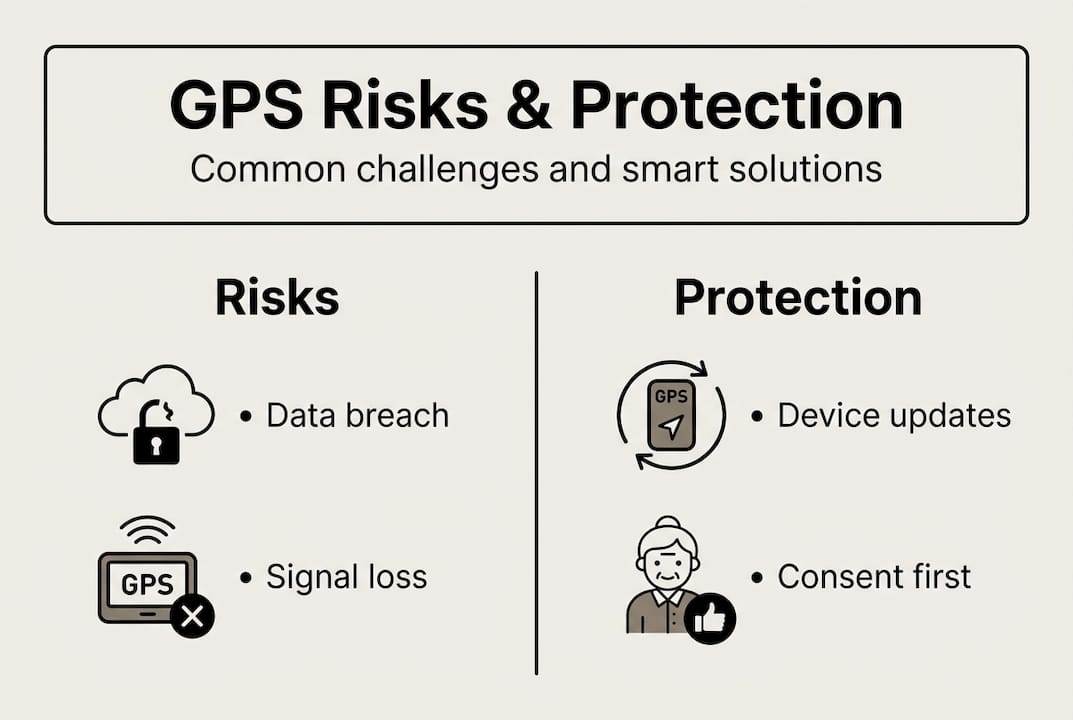
Here is a summary of common vulnerabilities and how to reduce them:
| Risk | What it means | How to reduce it |
|---|---|---|
| Data breach | Location data accessed by unauthorized parties | Choose brands with encrypted data storage |
| Poor indoor accuracy | GPS signal weakens inside buildings | Combine GPS with Wi-Fi or cellular location |
| Battery drain | Device dies before an emergency occurs | Establish a daily charging routine |
| Device removal | Senior removes or forgets the device | Use comfortable, wrist-worn designs |
| False alerts | Accidental SOS triggers cause unnecessary alarm | Adjust sensitivity settings with family |
| Signal loss | No coverage in rural or underground areas | Confirm coverage maps before purchasing |
To understand why this matters, consider two realistic scenarios. In the first, an 81-year-old woman with early-stage dementia wanders into a park and cannot find her way home. Her GPS watch sends her location to her daughter, who guides her home within 20 minutes. In the second scenario, a poorly secured device from an unknown brand transmits location data to a third-party server without the family’s knowledge, creating a security risks of senior GPS devices situation that goes unnoticed for months.
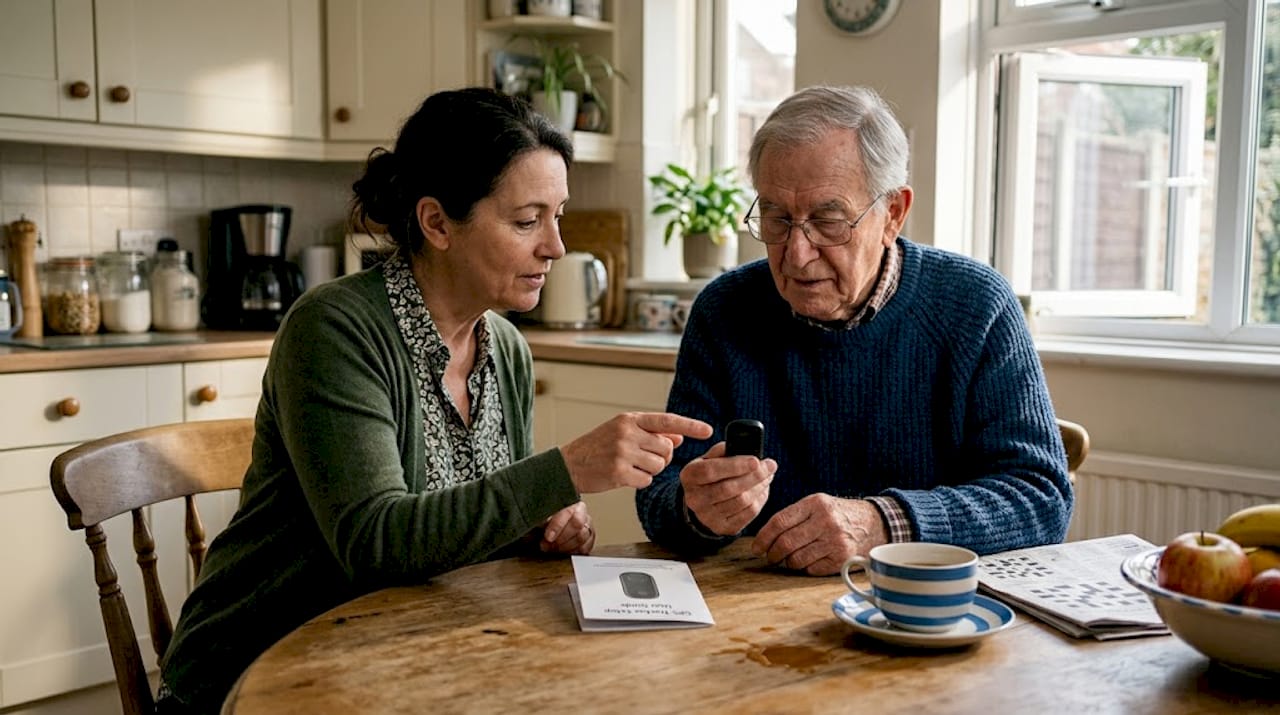
The difference between these outcomes often comes down to device quality and setup.
Pro Tip: Before buying any GPS device, search the brand name alongside the word “data privacy” or “security audit” to check whether independent researchers have flagged any concerns.
Families should also know that no GPS device is 100% accurate indoors. Hospitals, shopping centers, and multi-story buildings can all interfere with signals. Having a backup plan, such as a scheduled phone check-in, is always wise.
Balancing safety, privacy, and independence
For many seniors, the idea of being tracked feels uncomfortable. That reaction is completely valid. Surveillance can feel stigmatizing or intrusive, even when it is legal and well-intentioned. Families who skip the conversation and simply hand over a device often face resistance, and rightly so.
Some seniors feel stigmatized by GPS tracking; experts recommend transparency and the least intrusive solutions possible. This means starting with features the senior actually wants, like a simple SOS button, before adding location sharing.
Here are key principles for balancing protection with autonomy:
- Always ask first: Explain what the device does, who can see the data, and when alerts are sent.
- Let seniors control settings: Where possible, allow the user to turn location sharing on or off.
- Choose minimal data collection: Devices that only share location during an emergency are far less intrusive than those that track continuously.
- Review data together: Looking at the app together with your loved one normalizes the tool and builds trust.
- Revisit the conversation regularly: Needs and comfort levels change over time.
For families exploring privacy for elderly GPS devices, new technologies are emerging that prioritize dignity. Radar-based systems and AI-powered home sensors can detect falls or unusual patterns without requiring a wearable at all. These tools may suit seniors who strongly resist wearing a device.
“Real safety is built on trust. A device worn willingly is always more effective than one worn reluctantly.”
The most effective approach combines open communication with the right technology. When seniors feel respected and involved, they are more likely to use safety tools consistently, which is ultimately what keeps them safe.
Practical tips for secure GPS use with seniors
Choosing and using a GPS device well requires more than just picking the most popular model. Here is a step-by-step approach that works.
- Evaluate device security first. Look for encrypted data, a reputable brand, and clear privacy policies. Check whether the device requires a subscription or works with a one-time SIM card setup.
- Prioritize battery life. A device that needs charging every eight hours is a liability. Aim for at least 48 hours of battery life between charges.
- Test the SOS button together. Run a practice alert before relying on the device in a real emergency. Make sure the senior knows exactly what pressing the button does.
- Set up a daily charging routine. Pair charging with an existing habit, like placing the device on the nightstand every evening.
- Train all caregivers on the app. Everyone who might respond to an alert should know how to read the location data and call the senior directly from the app.
- Combine GPS with low-tech safety. Best security comes from combining tech tools with routines or low-tech solutions, not over-reliance on GPS alone.
Pro Tip: Pair any GPS device with a printed ID card in the senior’s wallet that lists emergency contacts and any medical conditions. This helps first responders even if the device battery has died.
Here is a quick comparison of GPS device types to help you decide:
| Device type | Best for | Key advantage | Watch out for |
|---|---|---|---|
| GPS watch | Active seniors, daily wear | Always on the wrist | Needs regular charging |
| Clip-on GPS tracker | Seniors who dislike watches | Discreet and lightweight | Easier to forget or lose |
| Home-based GPS hub | Limited mobility seniors | No wearable required | No help outside the home |
For a detailed guide on choosing a secure GPS tracker, look for devices with fall detection, two-way calling, and waterproof ratings. These features together cover the most common emergency scenarios. You can also explore how GPS benefits in senior care extend beyond the home into community and care settings.
A fresh perspective: What most guides miss about GPS security for the elderly
Most articles focus on features and specifications. What they miss is the human side of GPS security. Families sometimes invest in the best device available and then stop there, assuming the technology handles everything. It does not.
Over-relying on a GPS watch can actually delay the honest conversations that matter most: Is your loved one safe living alone? Do they need more daily support? Is the current arrangement sustainable? A device can mask those questions for months, sometimes longer.
The families who report the best outcomes are not the ones with the most advanced smartwatch security. They are the ones who involve their elderly relative in every decision, check in regularly, and treat the GPS device as one part of a broader care plan. Technology works best when it supports relationships, not when it replaces them.
Real security comes from combining a reliable device with consistent routines, honest communication, and a willingness to adjust the plan as needs change.
Explore senior GPS solutions for real peace of mind
If you are ready to take the next step, finding a device that fits your loved one’s lifestyle makes all the difference. Look for options that combine GPS tracking, SOS alerts, fall detection, and two-way calling in one easy-to-wear package, with no monthly subscription fees.
Our range of best GPS trackers for seniors is designed with exactly these priorities in mind. Whether you are looking for an alarm watch with SOS for seniors or want to compare your options side by side, our SOS watch comparison guide walks you through every feature that matters. Your loved one deserves safety and independence. We are here to help you find the right fit.
Frequently asked questions
Is it legal to track an elderly person using GPS?
Yes, GPS tracking is legal with consent or appropriate guardianship, but transparency with the senior is always essential to maintain trust and dignity.
What are the biggest risks of GPS trackers for seniors?
The main risks include data breaches, battery drain, device removal by the user, poor indoor accuracy, and occasional signal loss in low-coverage areas.
How can families respect privacy while using GPS devices for elderly relatives?
Choose devices with user-controlled settings, clearly explain what data is shared and with whom, and always start with the least intrusive features before adding more monitoring capabilities.
Are there alternatives to GPS tracking for elderly security?
Yes, options include scheduled phone check-ins, wearable ID cards, structured daily routines, and newer radar and AI alternatives that detect falls or unusual movement without requiring a wearable device.