



TL;DR:
- Essential features include 24/7 monitoring, fall detection, GPS, waterproofing, and user-friendly design.
- In-home systems suit less active seniors, while mobile GPS devices are better for active or wandering individuals.
- Fall detection is a helpful backup but has limited real-world accuracy, so manual alarms are still necessary.
Choosing the right elderly alarm system feels overwhelming when you care deeply about someone’s safety. There are dozens of products on the market, each promising to deliver peace of mind, yet very few guides cut through the noise to tell you what genuinely matters. Whether you are an older adult living on your own, a family member keeping a watchful eye, or a caregiver responsible for someone’s daily wellbeing, this structured checklist will help you make a confident, informed decision. We break down every critical factor, from fall detection to GPS, so you know exactly what to look for and what to avoid.
Table of Contents
- Key criteria for choosing an elderly alarm system
- Checklist item 1: In-home alarm systems
- Checklist item 2: Mobile and GPS-enabled alarm systems
- Checklist item 3: Fall detection — how much does it matter?
- Comparing elderly alarm system options: checklist summary table
- Our expert perspective: What most elderly alarm checklists overlook
- Find your perfect elderly alarm system with confidence
- Frequently asked questions
Key Takeaways
| Point | Details |
|---|---|
| Know your priorities | Choose features based on the lifestyle and special risks of the senior, not just advertised add-ons. |
| Fall detection is not foolproof | False alarms and missed falls are possible, so always keep the manual SOS button handy. |
| Consider independence and peace of mind | The greatest benefit may be reassurance and autonomy, even if overall risk reduction is modest. |
| Test and personalize | Regularly test equipment and tailor devices to routines to ensure reliability and acceptance. |
Key criteria for choosing an elderly alarm system
Before comparing products, you need a clear set of requirements. Without this foundation, it is easy to get distracted by features that sound impressive but add little real-world value.
According to the Fall Prevention Foundation, the key features to prioritize are:
“24/7 professional monitoring, automatic fall detection, two-way communication, GPS tracking for mobile users, waterproofing, long battery life spanning several days, and a user-friendly design.”
These are not optional extras. They are the baseline for any system that truly protects an older adult. Here is what each one means in practice:
- 24/7 monitoring: Someone, whether a trained operator or a connected family member, must always be reachable. Emergencies do not follow business hours.
- Automatic fall detection: Sensors detect a sudden impact and alert contacts without the user pressing anything. Understanding how fall detection works helps set realistic expectations.
- Two-way communication: The user must be able to speak and hear through the device directly. This is critical when someone is injured and cannot reach a phone.
- GPS tracking: Essential for anyone who leaves home regularly or has memory issues. Real-time location sharing allows family to respond quickly.
- Waterproof design 💧: Falls happen in the bathroom more than anywhere else. A device that cannot get wet offers incomplete protection.
- Long battery life: A device that dies overnight is not a safety tool. Look for several days of charge on a single cycle.
- User-friendly design: Large buttons, simple interfaces, and minimal setup steps make a device usable under stress. The basics of fall detection should be easy for any senior to understand.
You also want to check the provider’s track record. Read reviews from real users and families. Established providers with positive feedback are far more reliable than newer brands making big promises without proof.
Pro Tip: Press the alarm button on any new device once a month during a planned test. This confirms the system is working and keeps the user comfortable using it under real pressure.
Checklist item 1: In-home alarm systems
With a solid foundation in features, let’s break down specific checklist items, starting with systems designed primarily for use at home.
In-home alarm systems consist of a base station, usually placed in a central room, and a wearable button the user carries or wears around the neck or wrist. When the button is pressed, it connects to the base station, which then contacts a monitoring center or pre-set family members.
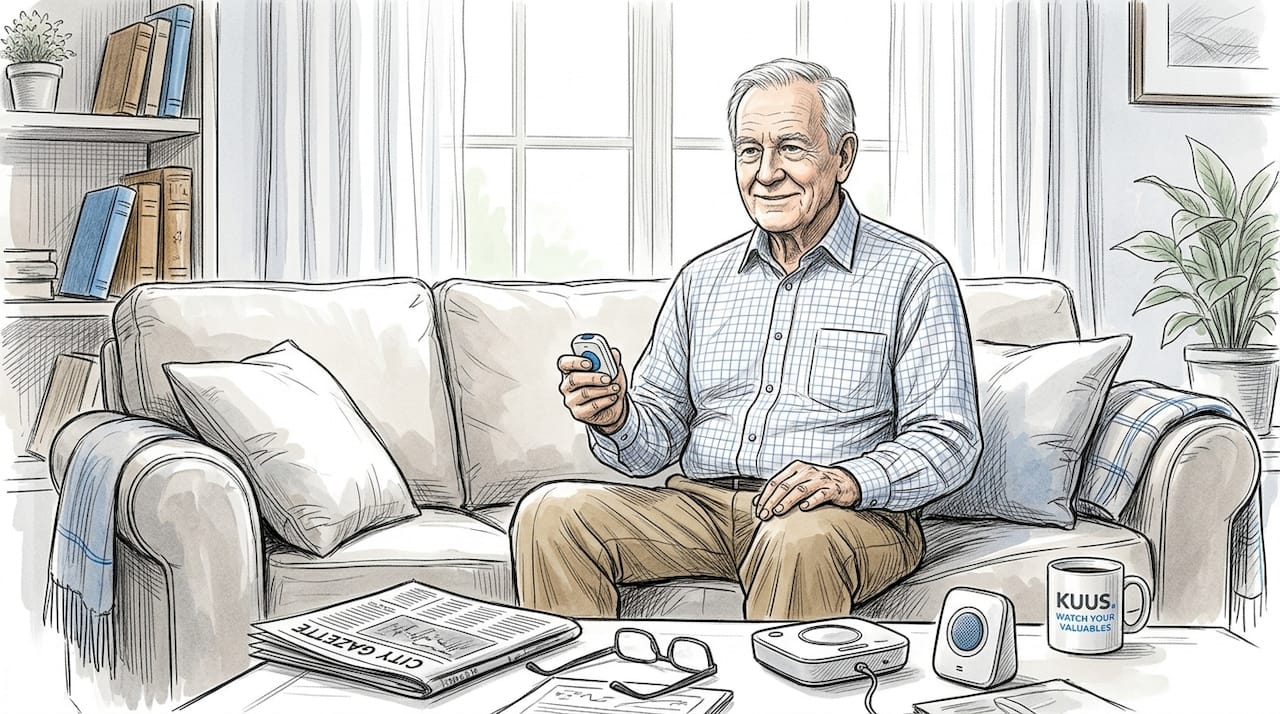
PCMag’s review of top medical alert systems notes that in-home systems typically cover a range of 400 to 1,400 feet from the base station and cost around $20 to $30 per month, making them the more affordable option for users who rarely leave the house.
Who benefits most from an in-home system?
- Seniors who spend the majority of their day inside their home or apartment
- Older adults recovering from surgery or managing a chronic condition
- Those who live in a single-floor home where coverage is straightforward
- Individuals who need an affordable, low-maintenance solution
- People without a smartphone or comfort with technology
Key considerations before buying:
- Check the range against the size of the home. A larger house may need a stronger signal or a second base station.
- Ask whether the base station requires a landline or works over a cellular network.
- Clarify what happens during a power outage. Battery backup is a must.
- Read the fine print on subscription costs. Some providers advertise low prices but charge extra for fall detection or GPS add-ons.
For a smooth setup experience, see this guide to installing an alarm device so nothing gets overlooked. If you want to compare multiple products before deciding, a detailed personal alarm device comparison can save significant time.
Pro Tip: Place the base station as close to the center of the home as possible, not in a corner or near thick walls. This maximizes signal coverage in every room, including the bathroom.
In-home systems are the right starting point for many families. They are simpler, generally cheaper, and easier to set up than mobile alternatives. The tradeoff is that they offer no protection the moment someone steps outside.
Checklist item 2: Mobile and GPS-enabled alarm systems
While in-home systems work for many, others need protection wherever they go, making mobile and GPS-enabled devices vital.
Mobile alarm systems look like a smartwatch or a compact pendant. They connect through a cellular network and use GPS to report the user’s location in real time. When someone presses the SOS button, the device sends an alert and shares exact coordinates with family members or a monitoring center.
Apex Health’s home safety guide highlights a critical point for families managing memory loss:
“GPS and geofencing technology helps prevent wandering. When a senior with memory issues crosses a preset boundary, caregivers receive an automatic alert, enabling fast and calm intervention.”
This makes mobile systems far more suitable for seniors with early-stage dementia or any tendency to wander. A dedicated GPS tracker for dementia monitoring explains how these boundaries are set up and maintained.
Who benefits most from a mobile or GPS system?
- Active seniors who walk, shop, or travel regularly
- Older adults with memory difficulties or wandering behavior
- Anyone living alone who spends time in parks, gardens, or public spaces
- Families who want real-time location visibility throughout the day
What to watch for:
- False positives are a known challenge. If the device triggers too many accidental alarms, users often stop wearing it. Test sensitivity settings carefully and adjust based on the user’s daily movements.
- Battery life matters even more in mobile devices. A device that dies during an afternoon walk provides no protection.
- Daily wear habits are critical. Involve the user in choosing the device style, whether wrist-worn or pendant, so they actually want to put it on each morning.
For a deeper look at how these devices maximize independence, explore GPS security for the elderly. A thorough mobile alarm guide also covers features and setup steps in detail.
Pro Tip: Build device wear into an existing morning routine, such as putting it on after breakfast or alongside taking medication. Routine reduces the chance of forgetting, especially for users with memory challenges.
Checklist item 3: Fall detection — how much does it matter?
Next, let’s tackle the one feature surrounded by the most myths and confusion: automatic fall detection.
Fall detection uses accelerometers and gyroscopes, which are small motion sensors inside the device, to recognize the pattern of a fall. A sudden downward acceleration followed by no movement triggers an automatic alert. This sounds foolproof. In reality, the picture is more nuanced.
A recent public health study on fall detection accuracy found that while lab-based tests show sensitivity rates between 85% and 99%, real-world performance is significantly lower, with a pooled sensitivity of around 55% and specificity of 89%. False alarms ranging from 3 to 85 per day are also possible depending on the device and the user’s activity level.
| Setting | Sensitivity | False alarm rate |
|---|---|---|
| Controlled lab | 85% to 99% | Very low |
| Real-world use | ~55% | 3 to 85 per day |
| With optimized sensitivity settings | ~70% | Moderate |
This does not mean fall detection is useless. It means you should treat it as a safety backup rather than the primary protection method.
How to get the most from fall detection:
- Always keep the manual SOS button as the first line of response. See what fall detection really means for a clear breakdown.
- Test the sensitivity settings shortly after purchase to reduce false alarms without missing genuine falls.
- Wear the device at the wrist or chest, not clipped to a belt, for more accurate motion readings.
- Inform family members that an alert may occasionally be a false alarm and explain the check-in protocol.
- Review false alarm logs monthly and adjust settings if needed.
The bottom line: fall detection adds meaningful protection and is worth having. But it is not a replacement for a clearly labeled, easy-to-press manual alarm button.
Comparing elderly alarm system options: checklist summary table
With detailed knowledge of each checklist item, it’s time for a clear, side-by-side comparison and actionable summary.
The CDC’s 2023 data reports 69.9 fall deaths per 100,000 adults aged 65 and older. Alarm systems significantly reduce the risk of a “long lie,” meaning the dangerous period when someone lies on the floor unattended after a fall. That said, studies note no guaranteed reduction in overall ER visits or hospitalizations, so the value lies in faster response and greater independence.
| Feature | In-home system | Mobile/GPS system |
|---|---|---|
| Coverage area | Inside the home | Anywhere with cell service |
| GPS location sharing | No | Yes |
| Typical monthly cost | $20 to $30 | $30 to $50+ |
| Ideal user | Homebound seniors | Active or memory-impaired seniors |
| Fall detection | Available as add-on | Often built-in |
| Waterproof | Most models | Most models |
| Setup complexity | Low | Moderate |
Use the alarm device comparison page to stack specific products against each other. For help understanding device screens and interfaces, the alarm watch interface guide is a valuable resource.
Three steps to making your final checklist selection:
- Assess daily lifestyle. Does the senior spend most time at home or go out regularly? Homebodies benefit from in-home systems. Active seniors or those with wandering risk need mobile GPS devices.
- Confirm must-have features. Check that your shortlisted product includes fall detection, two-way calling, waterproofing, and long battery life before committing.
- Evaluate true total cost. Add subscription fees, equipment costs, and any feature add-ons to get a realistic monthly figure, then compare across providers.
This structured approach saves time, avoids buyer’s remorse, and most importantly, ensures the device you choose actually fits how the person lives.
Our expert perspective: What most elderly alarm checklists overlook
Before you finalize your decision, consider this perspective from those who work with elderly alarm systems every day.
Most checklists focus entirely on features. That makes sense on paper. But the biggest real-world reason alarm systems fail is not missing technology. It is non-use. Seniors who feel stigmatized by wearing a device, or who grow frustrated by constant false alarms, simply stop putting it on. A device sitting on a nightstand protects no one.
A Springer study on alarm system efficacy reinforces this nuance. The research confirms that while systems reliably reduce long-lie risk, their broader impact on emergency outcomes is mixed. The true value often lives in psychological territory: reduced anxiety for family members, greater confidence for the user, and sustained independent living.
We believe the most overlooked checklist item is the user’s genuine willingness to wear the device daily. Involve them in the selection process. Let them choose between wrist and pendant options. Ask them to try the button before buying. Their comfort with the device predicts long-term use far better than any technical specification.
For a broader look at how these tools are changing elder safety, this article on elderly protection offers valuable perspective. Choose the right device, but more importantly, choose one your loved one will actually wear.
Find your perfect elderly alarm system with confidence
Applying this checklist brings real clarity, and the right device is closer than you think.
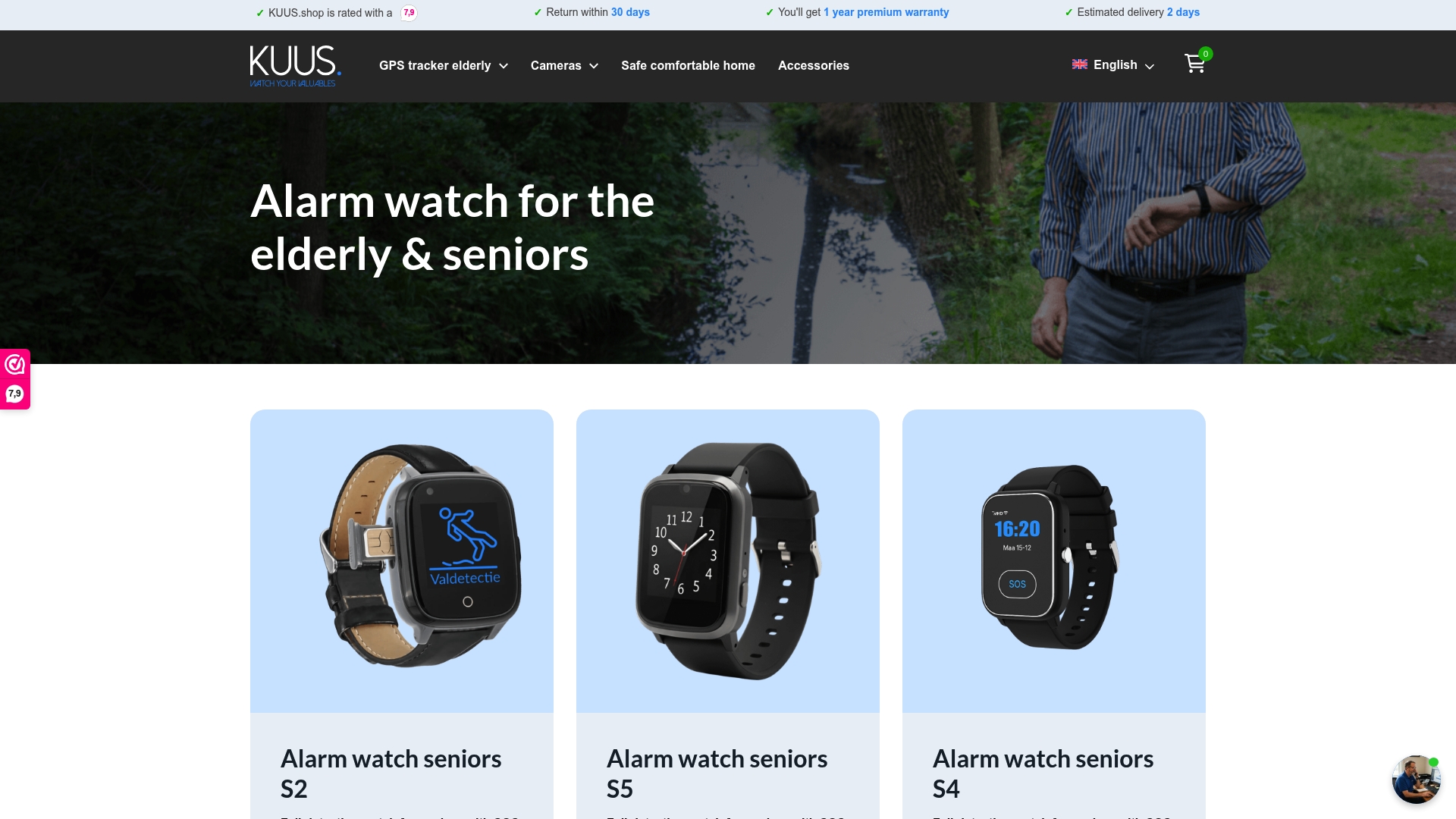
At Kuus, we offer a range of portable safety devices built specifically for older adults, including GPS alarm watches, SOS smartwatches, and personal alarm buttons, all without monthly subscription costs. Our devices feature automatic fall detection, two-way calling, real-time GPS sharing, and waterproof construction in one easy-to-wear package. Whether you are shopping for an active senior who needs GPS protection or someone at home who wants a simple SOS button, you will find a reliable option in our range of smartwatches for seniors. Our team is here to help you match the right device to the right person.
Frequently asked questions
What is the difference between in-home and mobile alarm systems for the elderly?
In-home systems use a base station and cover a set range inside the house, while mobile systems are portable, work anywhere with GPS, and are better suited for active seniors who regularly leave home.
How reliable are fall detection alarms for seniors?
Fall detection is a helpful backup but not a perfect system. Real-world sensitivity sits around 55%, so always pair it with a manual alarm button for full protection.
Which features are most important in an elderly alarm system?
The most important features are 24/7 monitoring, fall detection, two-way communication, water resistance, long battery life, and a simple, clearly labeled interface.
Are elderly alarm systems proven to reduce emergencies or hospitalizations?
They meaningfully reduce the risk of long-lie injury after a fall, but CDC data and research suggest no guaranteed reduction in overall ER visits or hospitalizations. Their greatest value is in faster response and greater daily confidence.